Rest every light you keep

Rest every light you keep
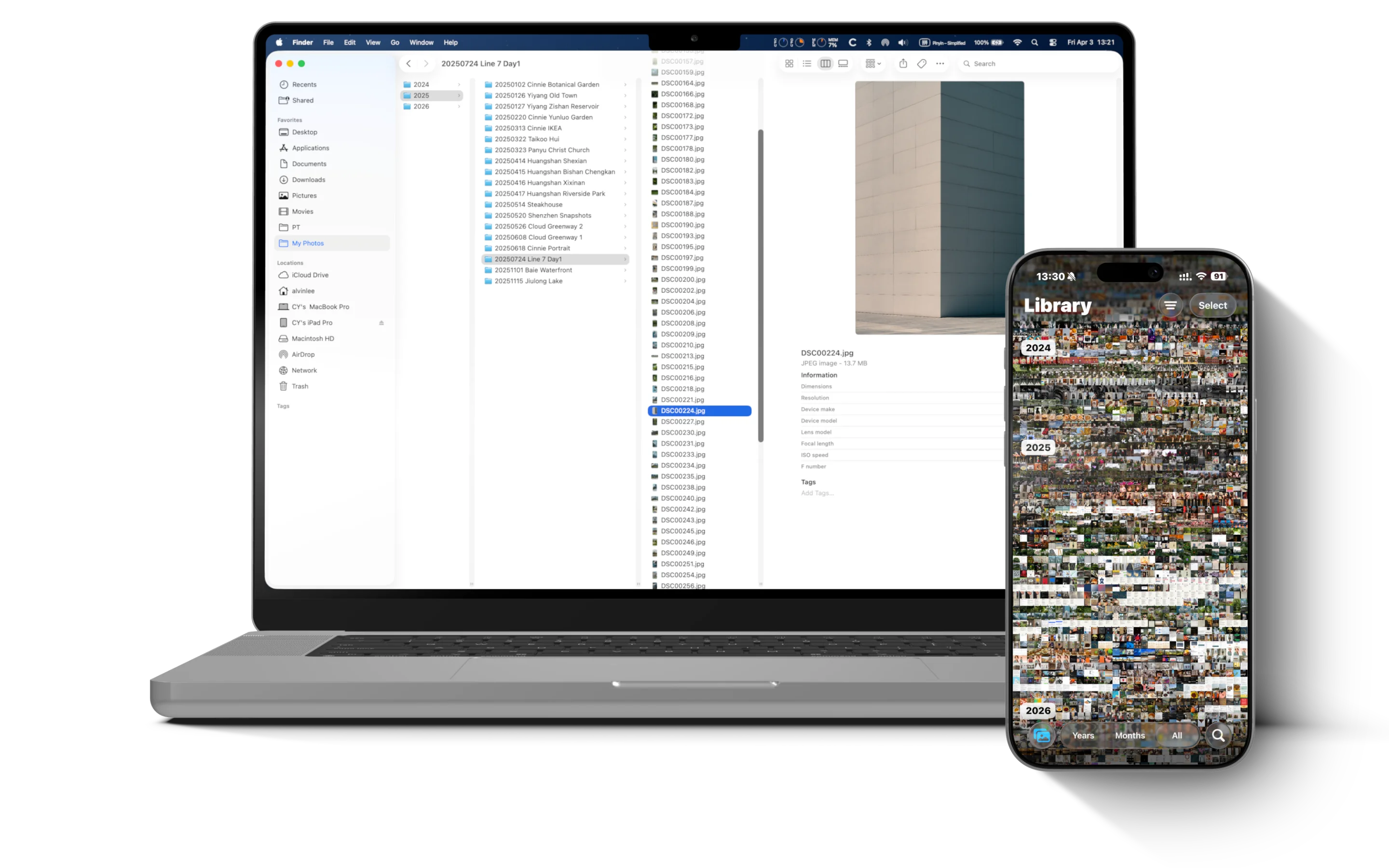
You edit photos on your Mac.
You want them on your iPhone.
AirDrop is easy enough —
but they end up mixed with thousands of
screenshots and snapshots.
Before long, you can't find anything.
Transfer the whole folder?
It goes to Files,
not your Photos library.
Frustrating.
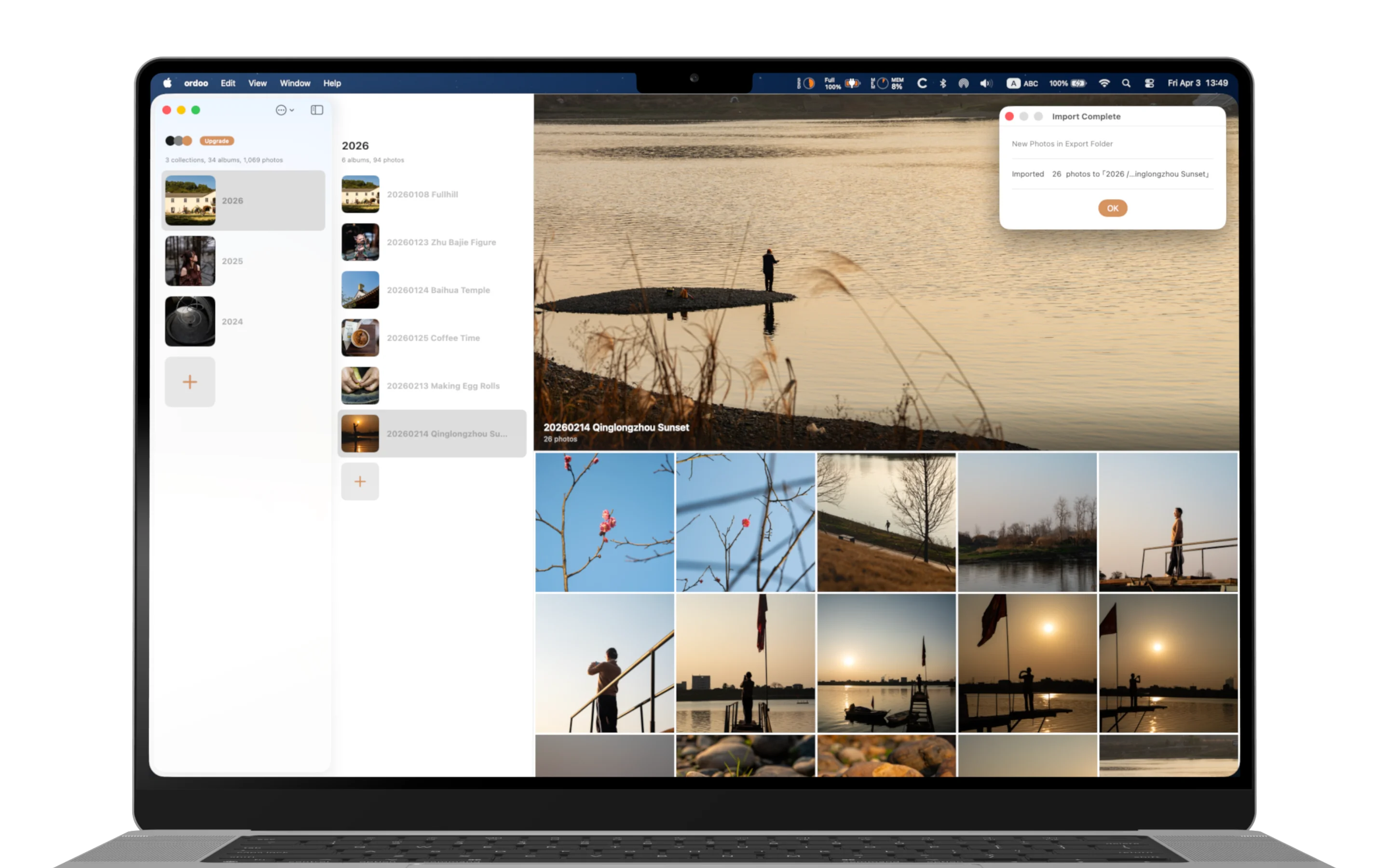
Set your export folder.
New photos go to the right album, automatically.
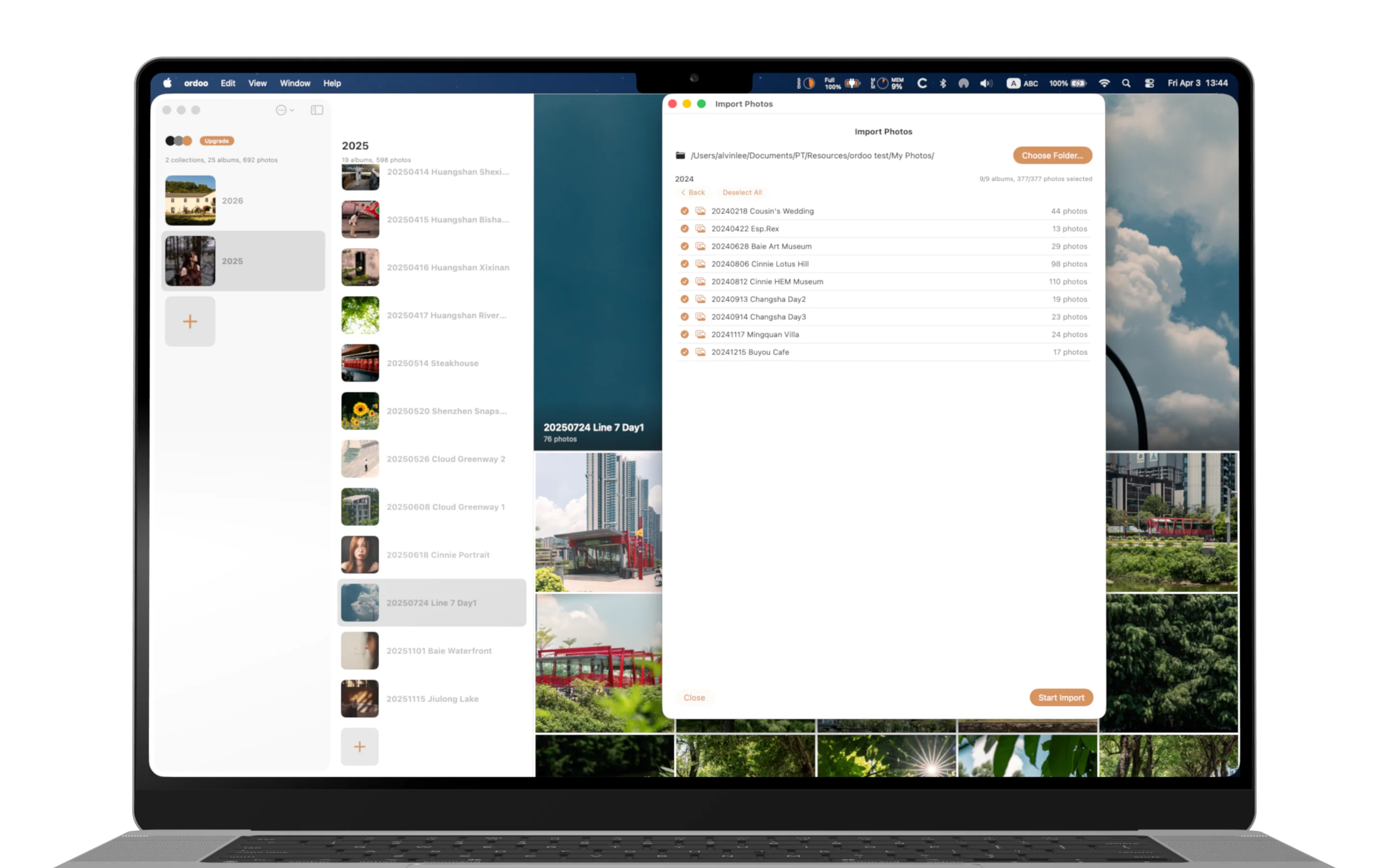
Pick your archive folder.
ordoo imports everything, structure intact.
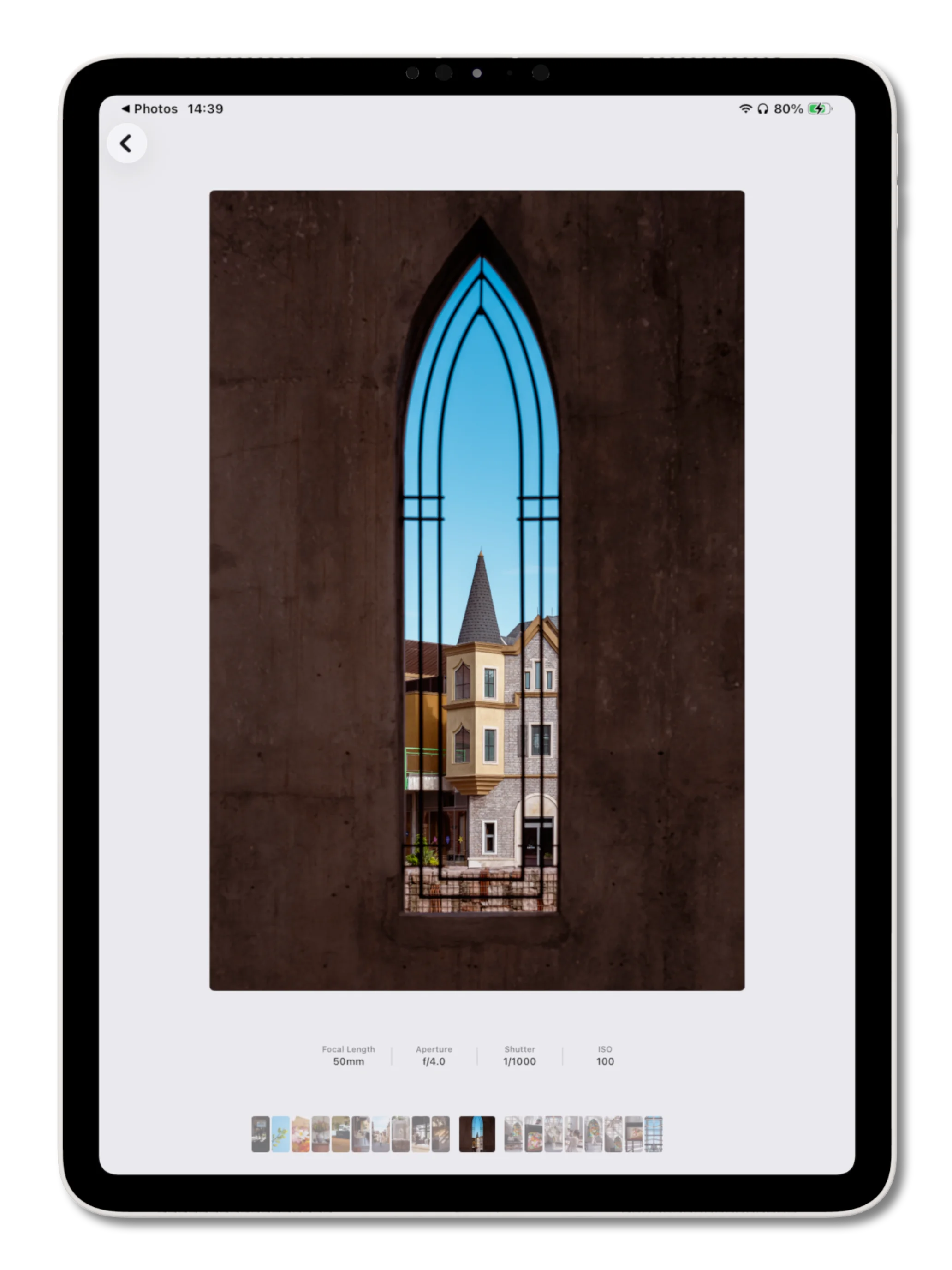
EXIF data and thumbnail navigation.
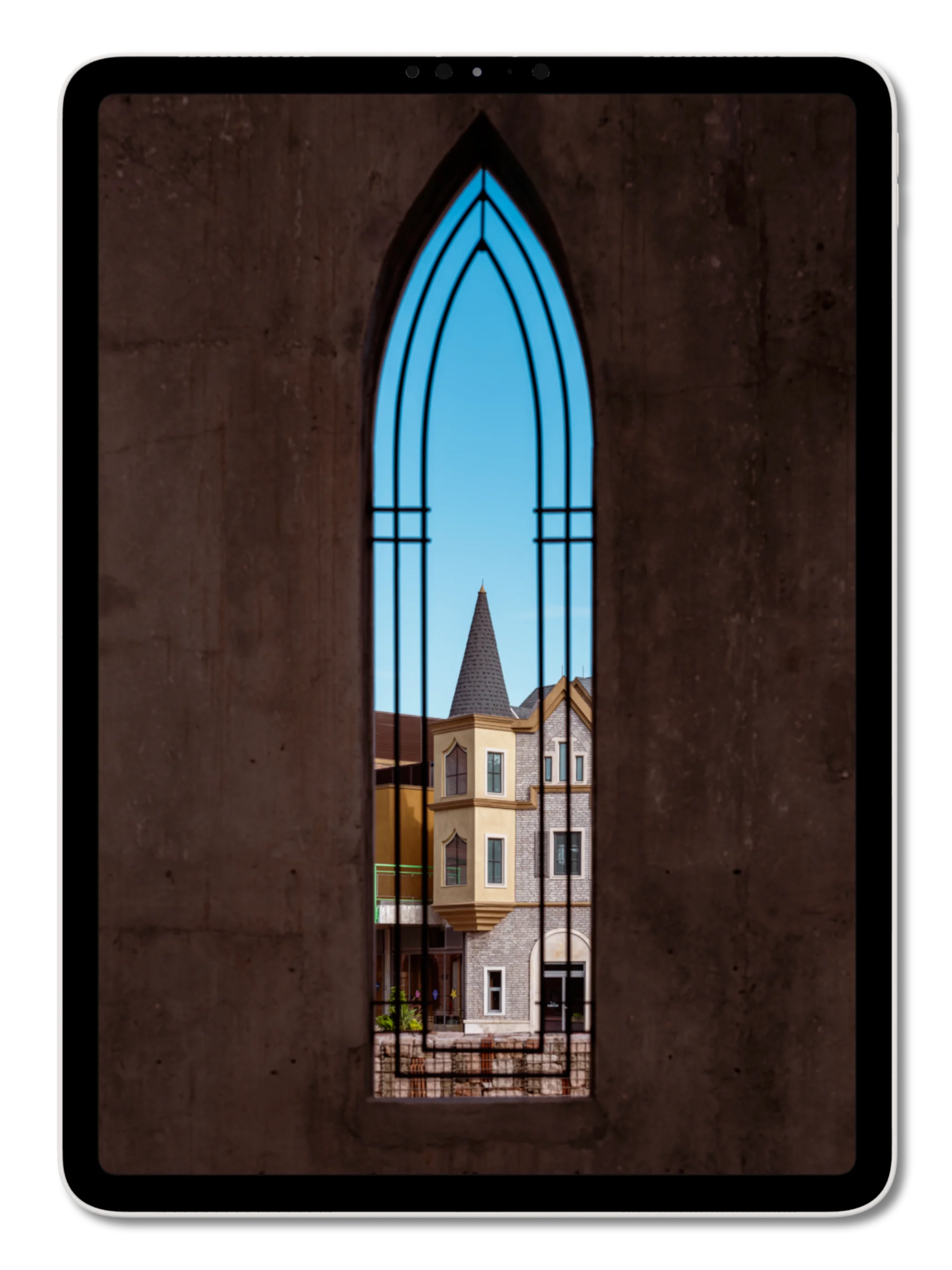
Tap to hide. Just you and the photo.
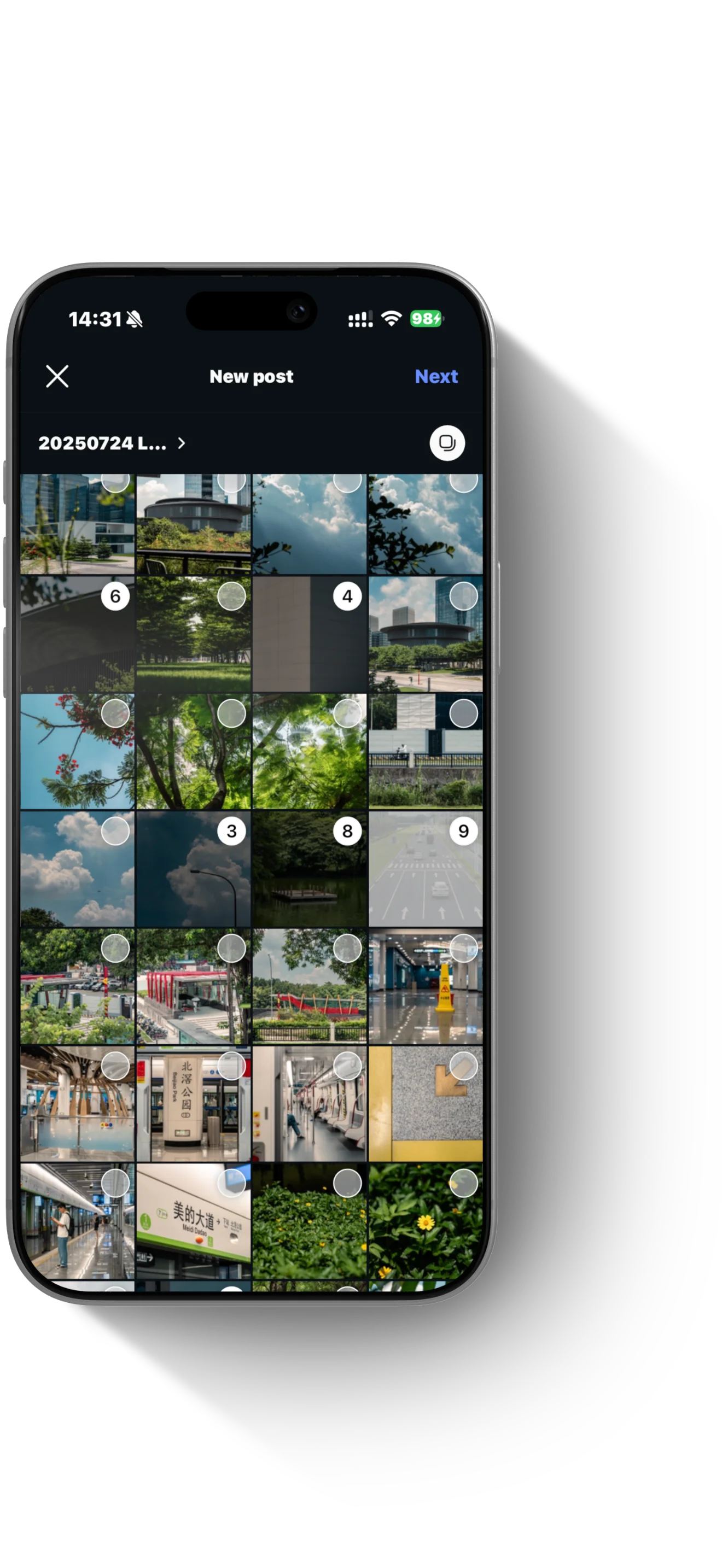
Your work lives in Photos.
Pick it from any app.
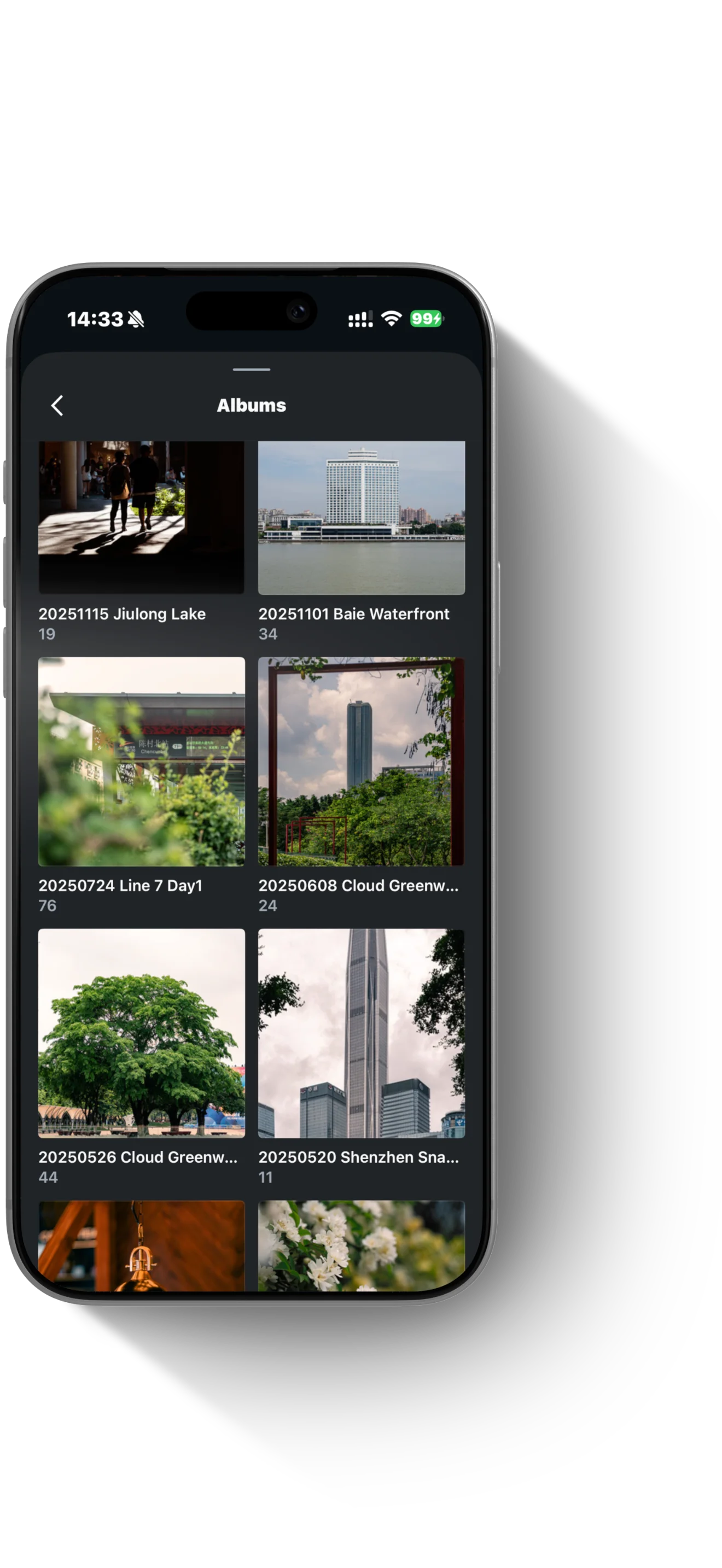
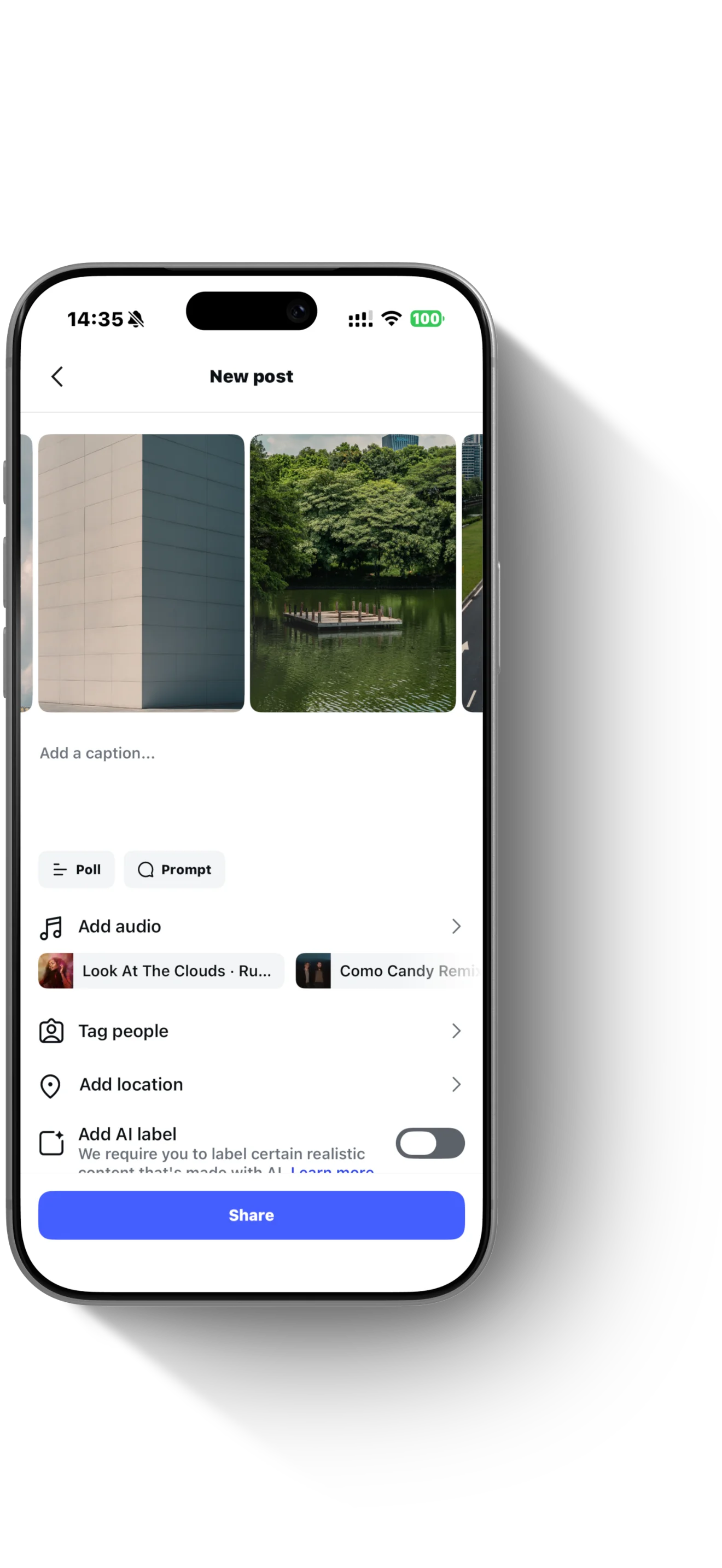
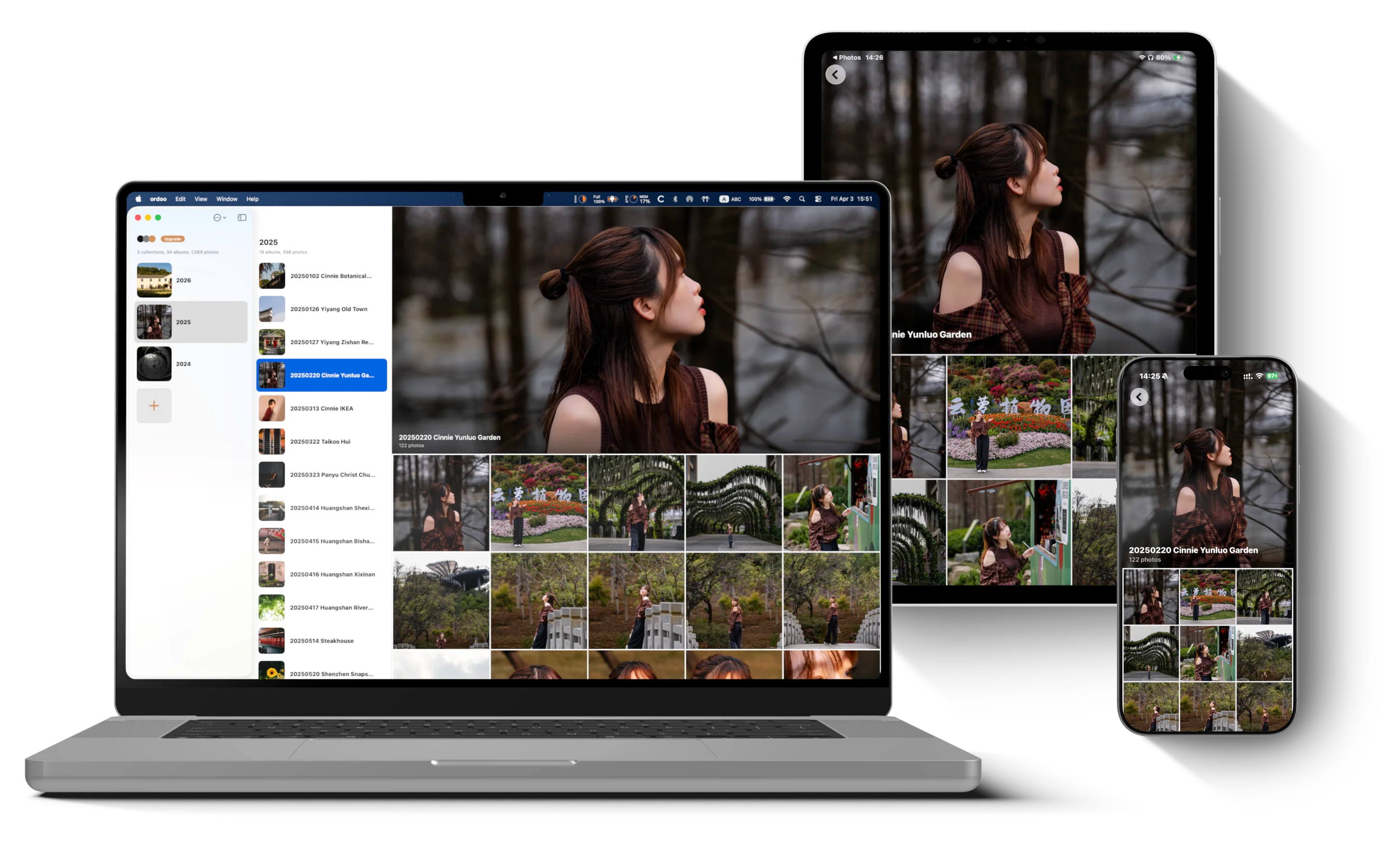
Import on Mac, browse on iPhone / iPad.
iCloud keeps everything in sync.
Rest every light you keep
Pay once.
Use on Mac + iPad + iPhone.
For the full experience, install on Mac first to import your photos, then browse on iPhone / iPad.